
Virtual Meetings Auto Join
Discover how the Virtual Meetings Auto Join app automates your online schedule. Read our review of this Windows tool designed to keep your meetings on track.
Never Miss a Connection: Virtual Meetings Auto Join Review
Managing a hectic schedule of online sessions can lead to missed appointments and scheduling headaches. The Virtual Meetings Auto Join app for Windows solves this challenge by serving as an automated scheduler that logs you into your scheduled virtual sessions on time. Developed by mvkapps, this communication-focused utility ensures you transition from one online session to the next without manual tracking or delay.
How the Virtual Meetings Auto Join App Streamlines Your Day
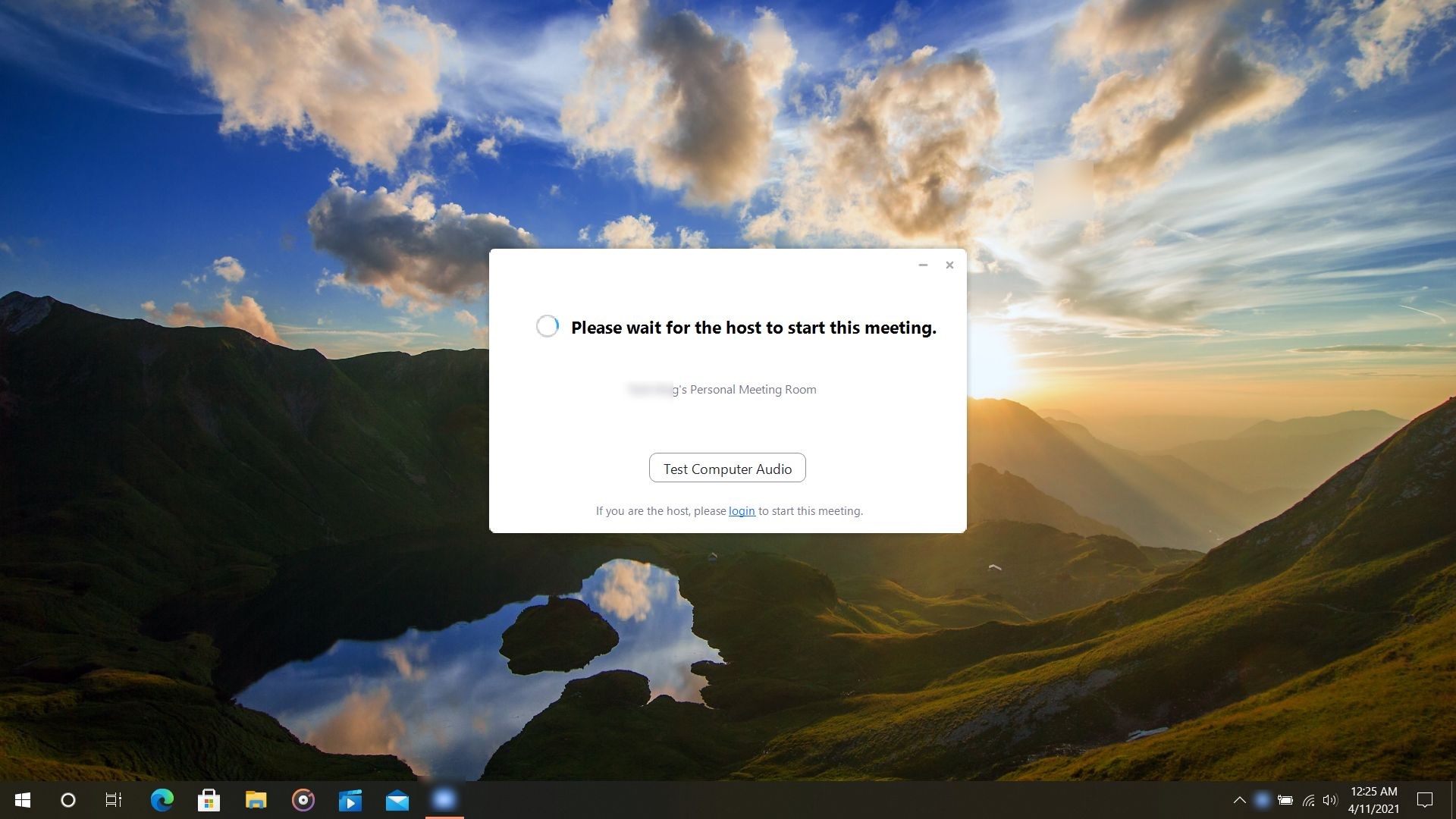
Unlike standard calendar alerts that merely notify you with a sound or pop-up, this specialized tool takes direct action. When you configure your upcoming sessions, the software automatically triggers your local system to launch and connect to the designated virtual meetings using your provided credentials.
To use the utility effectively, users must have the official Zoom client installed and configured on their Windows device. Once that is set up, the application manages the rest of your virtual schedule seamlessly.
Key Features & Workflow
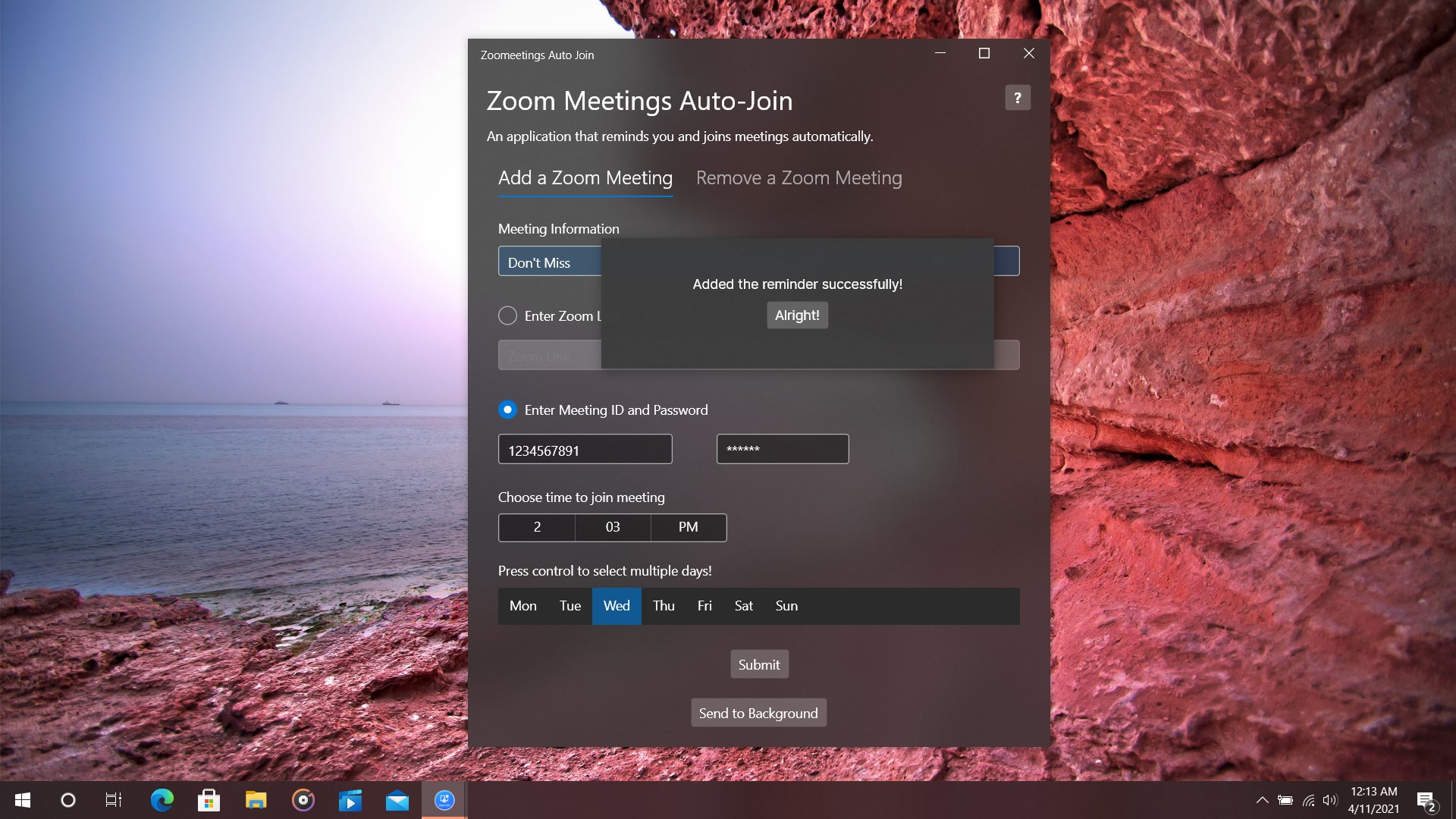
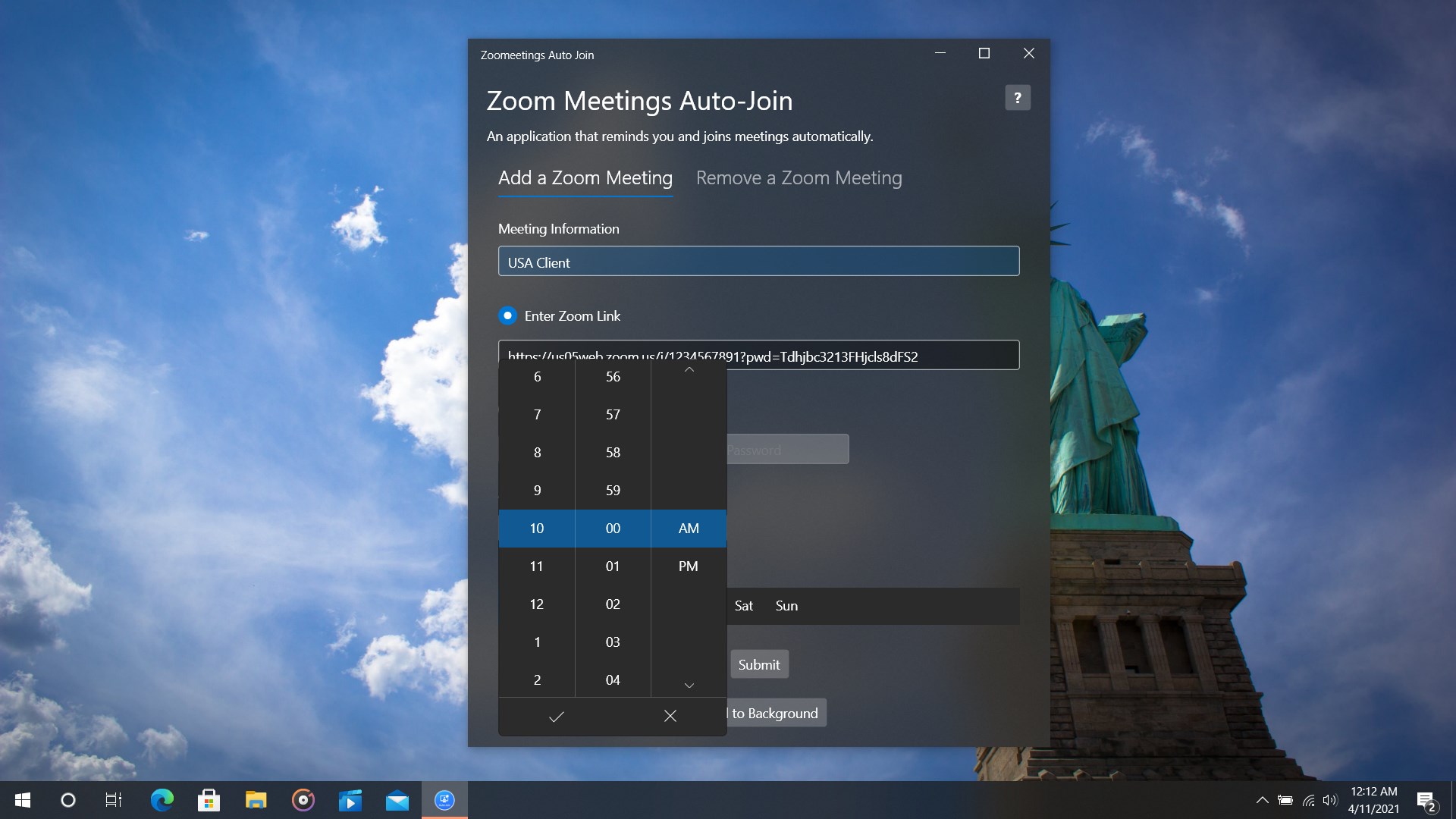
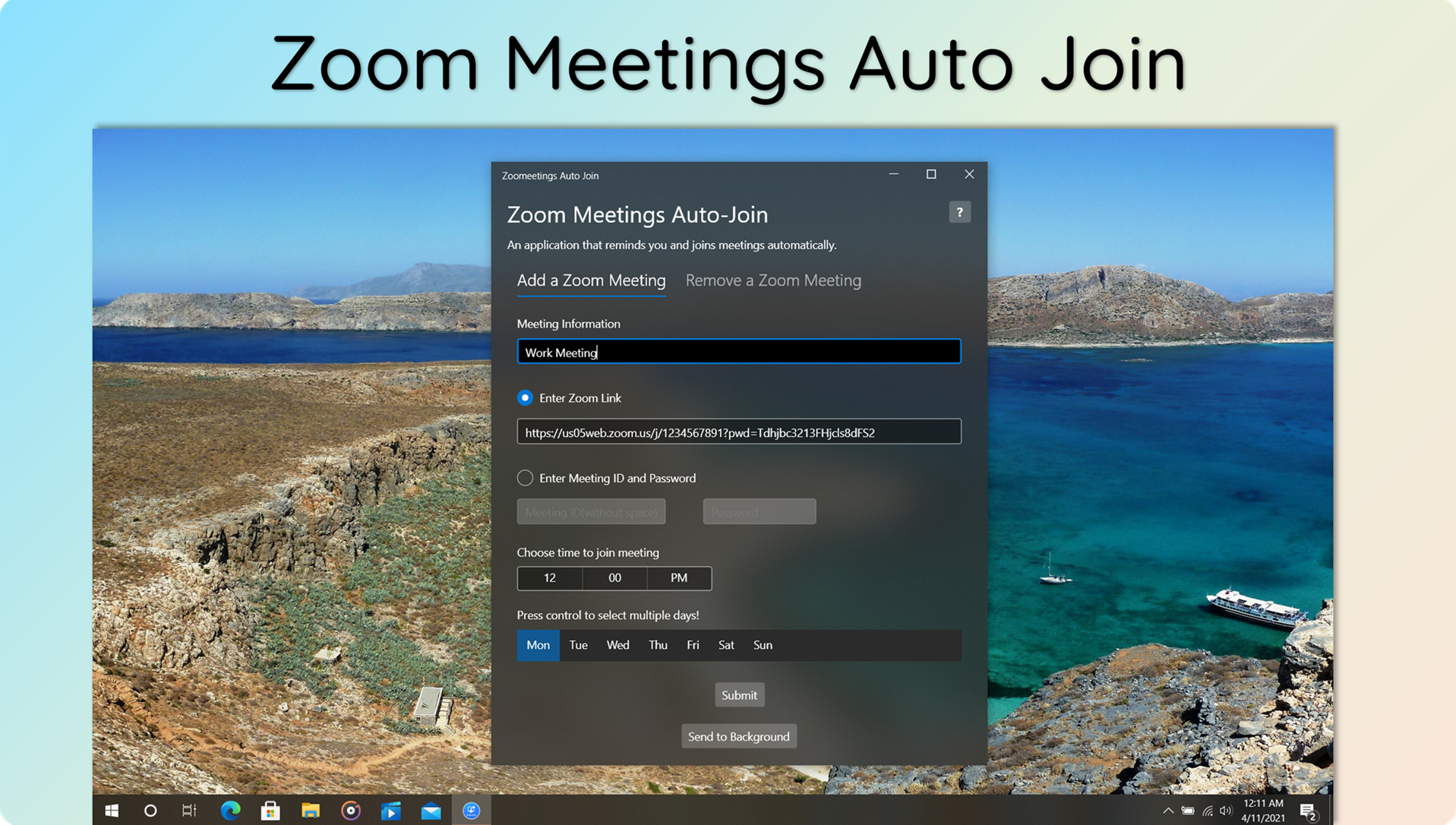
- Detailed Scheduling: Input specific meeting details, including the virtual meeting ID, precise start time, direct Zoom links, and the designated day of the week.
- Automated Reminders & Connection: Receive timely notifications before the software automatically connects you to your scheduled virtual meetings.
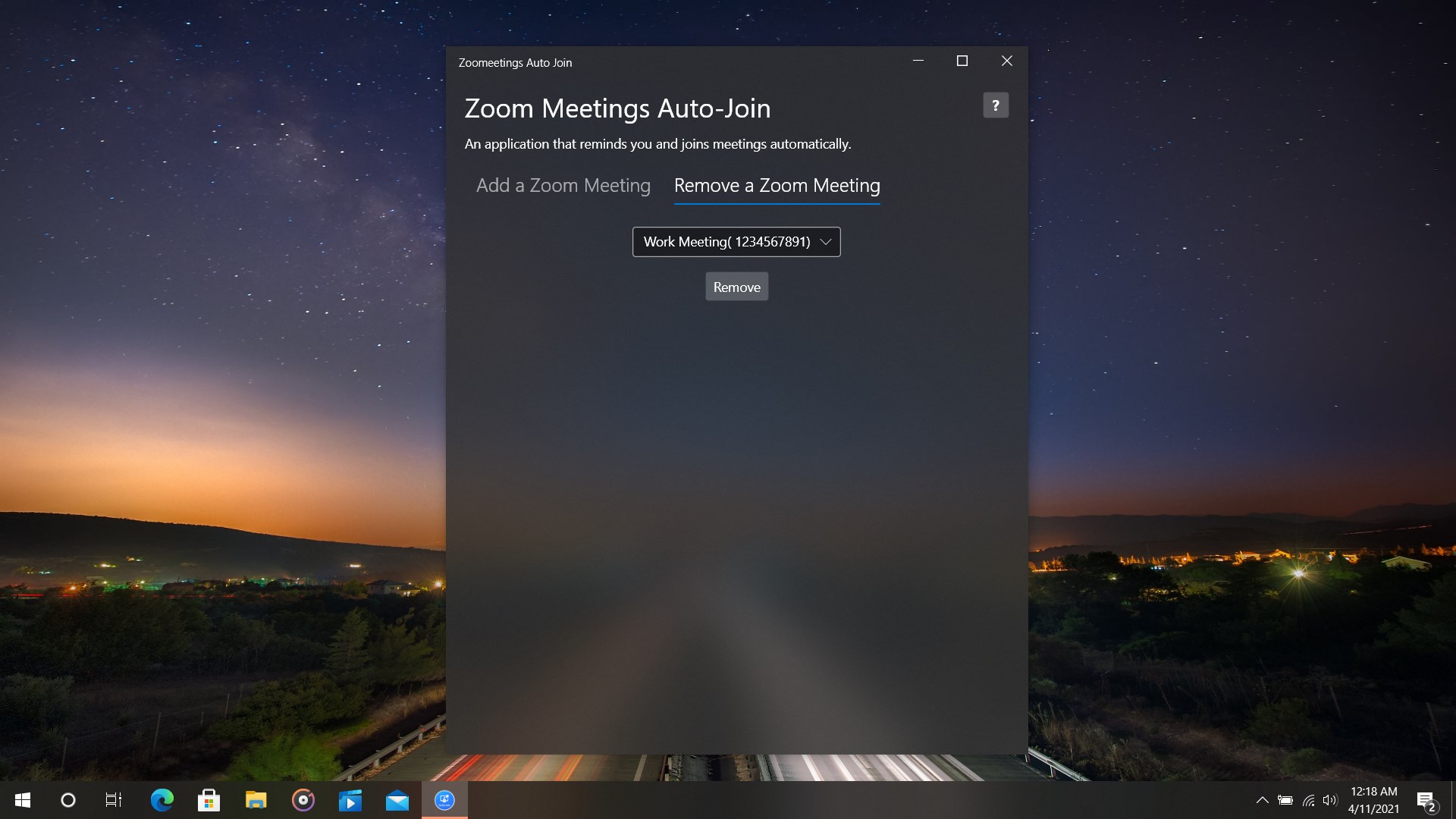
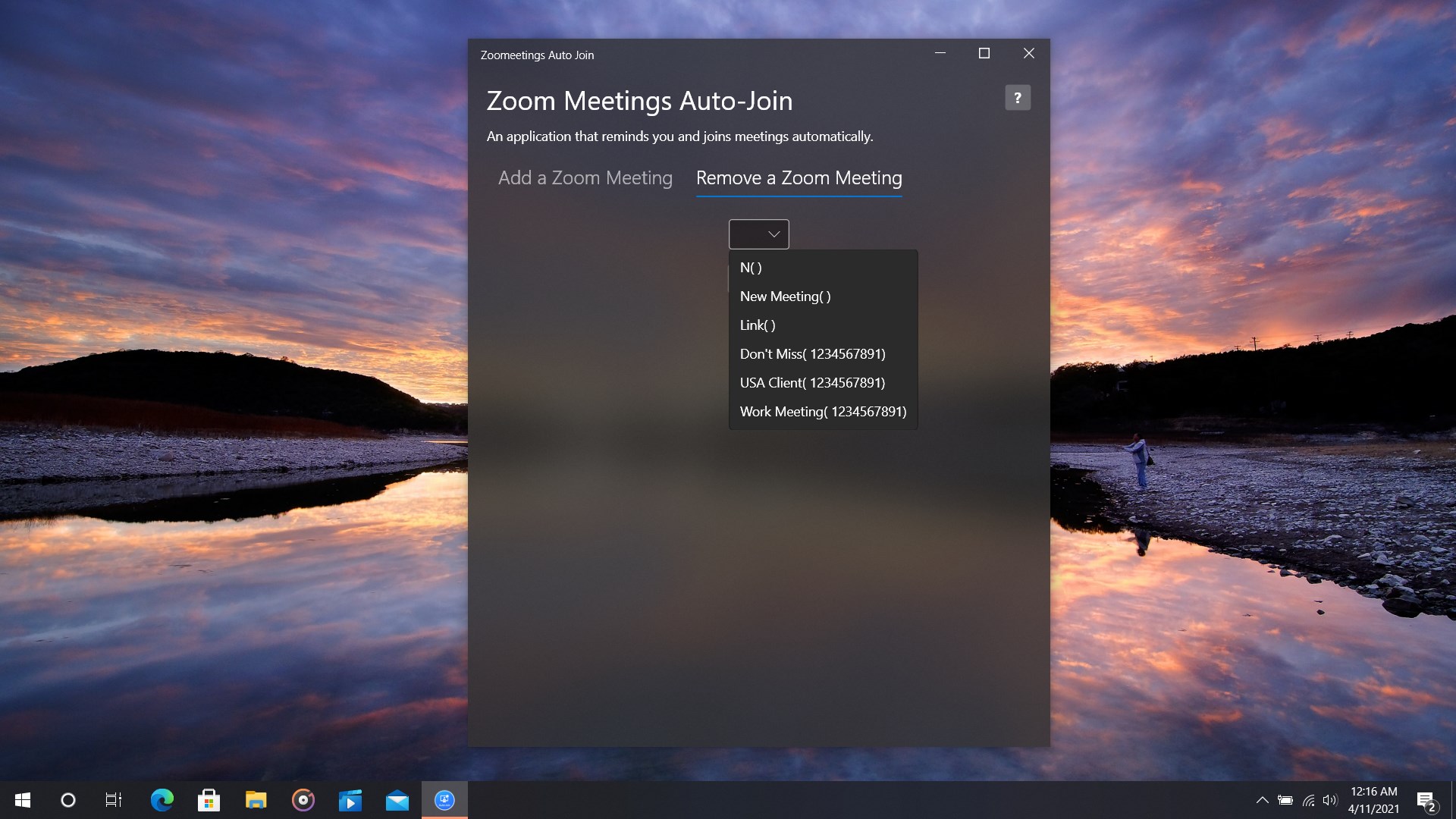
- Flexible Calendar Management: Easily update, modify, or remove meeting details from your queue at any time as your schedule evolves.
- Native Windows Integration: Tailored specifically for the Windows environment, providing lightweight background performance that won't disrupt your daily productivity.
Who is This Utility For?
This software is highly recommended for corporate professionals, educators, and students who participate in back-to-back virtual sessions. If you struggle to locate links in messy email threads or frequently find yourself running late because of manual entry errors, the Virtual Meetings Auto Join tool offers a reliable, set-it-and-forget-it solution to keep your virtual presence on track.
Final Verdict and Where to Find It
The Virtual Meetings Auto Join utility takes the friction out of managing a busy digital calendar. By handling the logistics of launching and joining your virtual meetings, it frees you to focus on the actual content of your professional and educational sessions. If you are ready to automate your daily meeting workflow, head over to the official Microsoft Store to learn more and acquire the application for your Windows device.