
Gradia
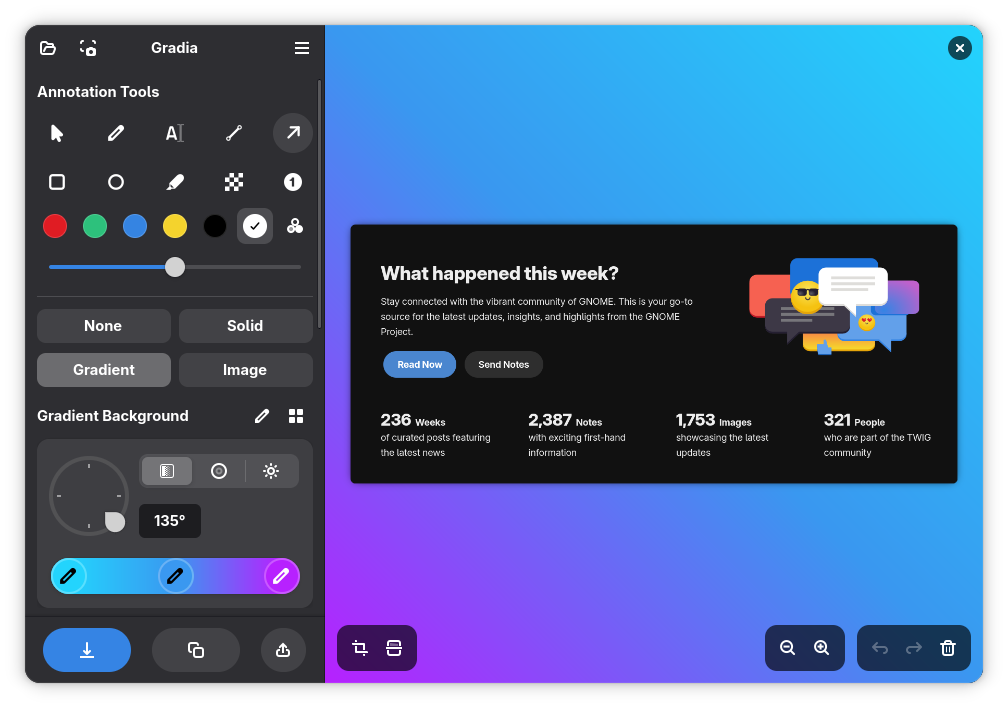
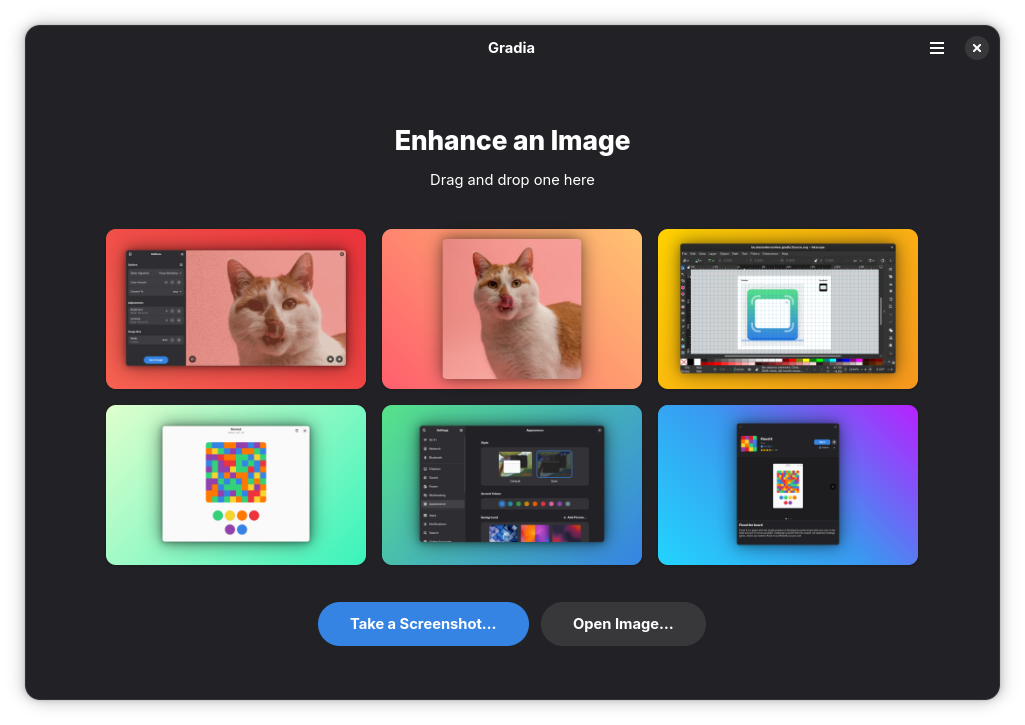
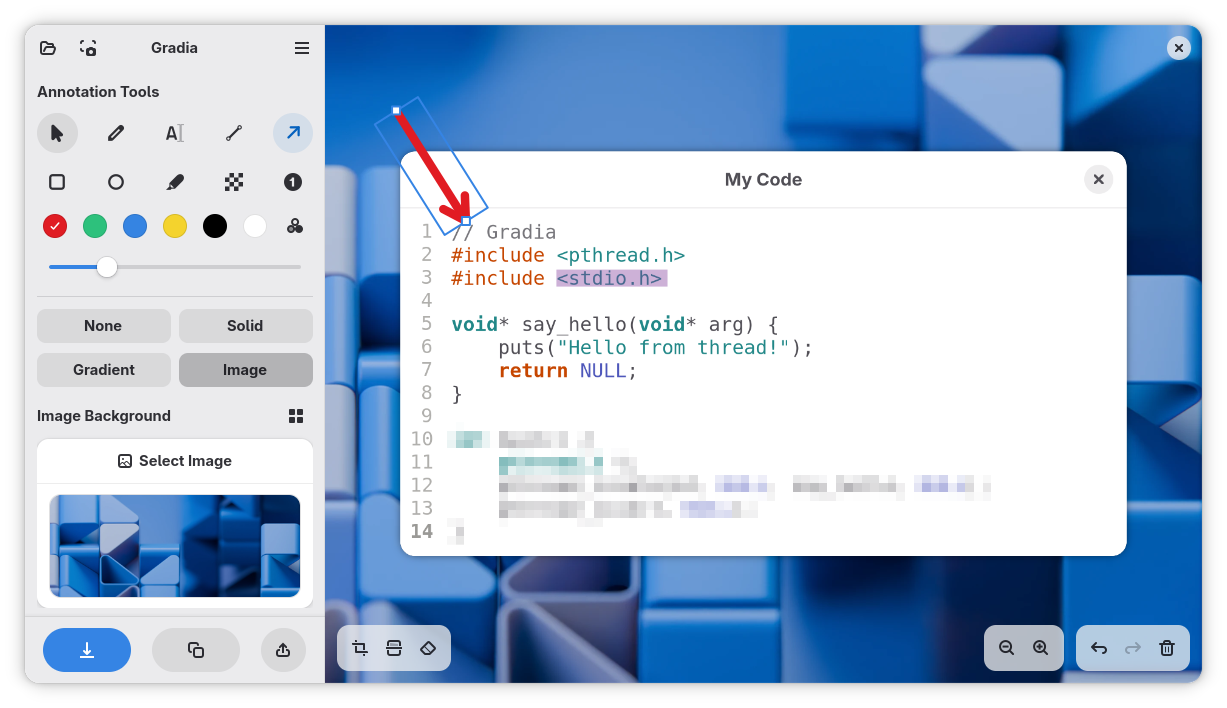
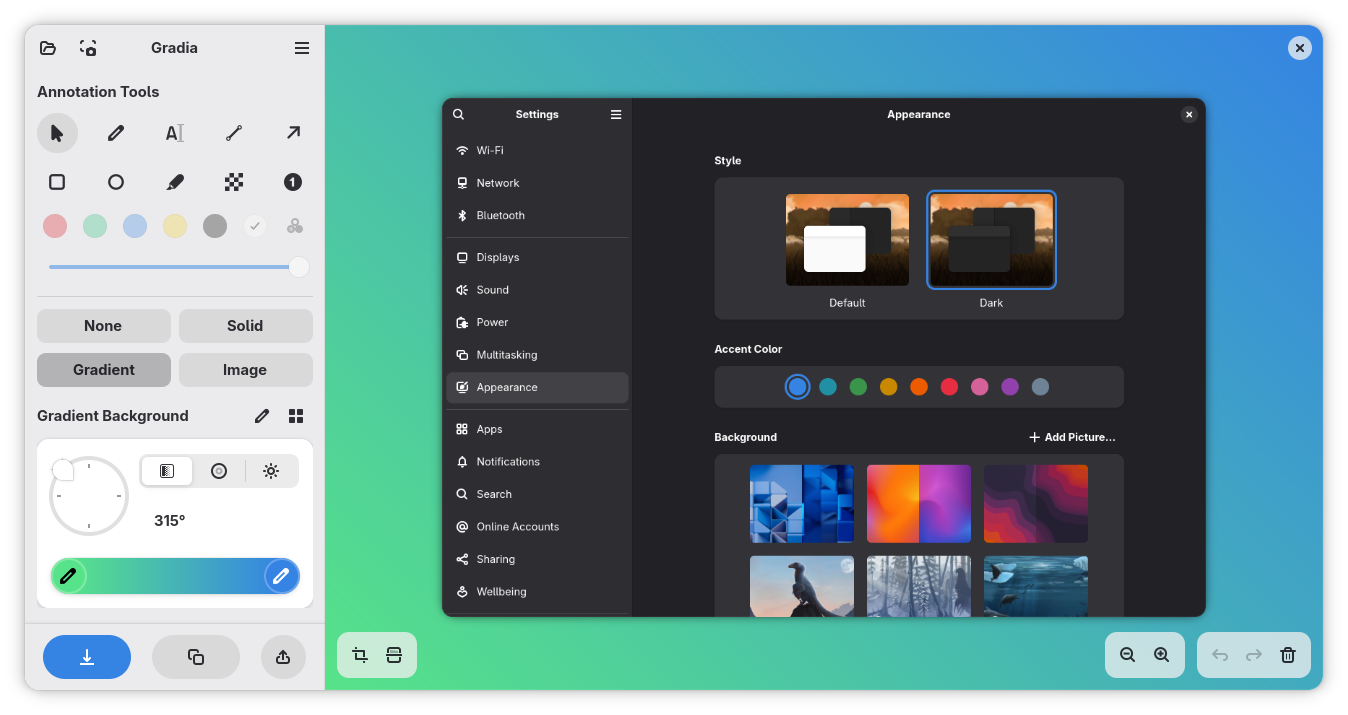
Read our comprehensive review of Gradia, a professional screenshot annotation tool for Linux that transforms raw captures into stunning, shareable media.
Imagine you are preparing a technical tutorial, sharing a quick bug report with a developer, or posting a beautiful snippet of code on social media. Standard, raw screenshots often look cluttered, unpolished, and fail to highlight the most important information. This is where Gradia screenshot annotation software steps in to elevate your visual communication on Linux systems.
What Is Gradia Screenshot Annotation?
Developed by Alexander Vanhee, Gradia is a dedicated design and utility application tailored specifically for the Linux platform. Instead of merely capturing your screen, it provides a refined workspace to clean up, polish, and enhance your images before they reach your audience. Whether you are collaborating with a remote team or publishing content for a global audience, this tool bridges the gap between raw captures and professional-grade presentation graphics.
Key Features for Flawless Visual Communication
- Ten Versatile Annotation Modes: Easily draw focus to critical areas using text tools, directional arrows, and censor blocks to mask sensitive information.
- Elegant Background Options: Elevate your screenshots by placing them over clean solid colors or eye-catching gradient backgrounds.
- Advanced Image Styling: Fine-tune your visuals with built-in settings for drop shadows, adjustable padding, and auto-balance configurations.
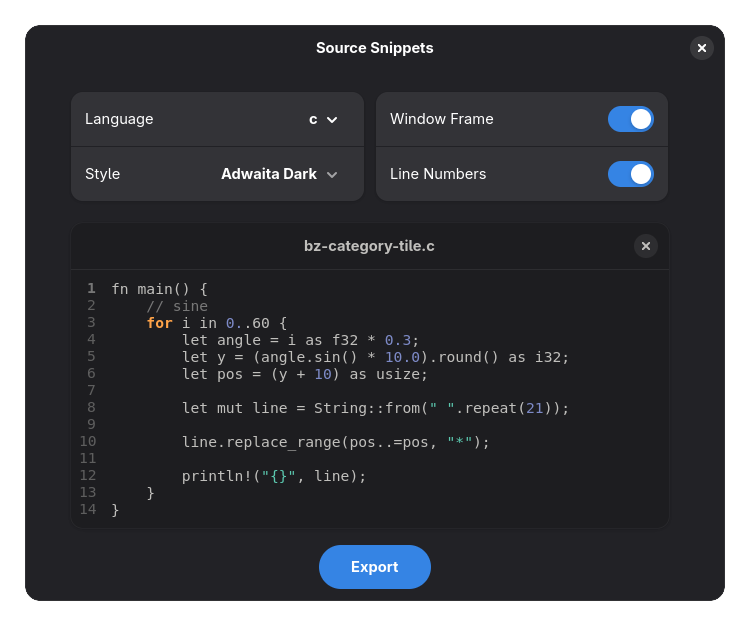
- Code Snippet Conversion: Transform raw code blocks into crisp, high-resolution graphic images that are perfect for technical documentation.
- Integrated Sharing Workflows: Streamline your publishing process with quick upload flows to popular hosting services like Imgur.
Who Benefits Most From This Tool?
Gradia is an exceptional asset for software developers, technical writers, product managers, and digital educators who rely on clear visual aids. By replacing complex image editors with a streamlined, single-purpose interface, it allows Linux users to generate beautiful visual assets in seconds rather than minutes. It is particularly valuable for those who regularly share content on professional networks or collaborative platforms where presentation quality matters.
Enhance Your Linux Workflow Today
If you want to stop sharing messy, unedited screen grabs and start delivering polished, context-rich visuals, this utility is a must-have addition to your Linux desktop setup. To experience this streamlined workflow firsthand, head over to the official Flathub store page to explore more details and find installation options for your specific distribution.