

Mozilla Firefox
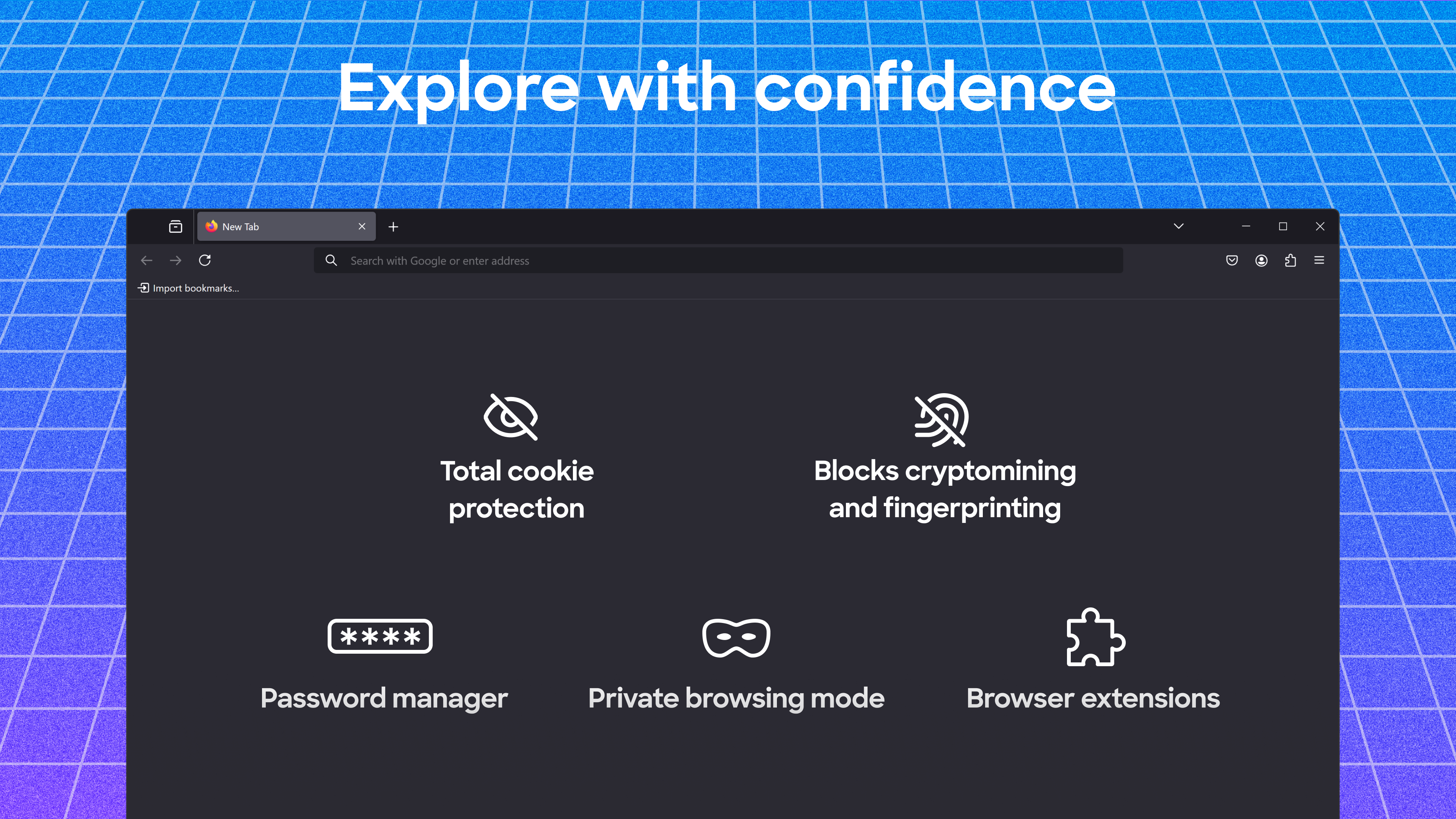

Explore our comprehensive review of Mozilla Firefox, the privacy-first web browser for Windows. Learn how it secures your data and simplifies browsing.
A New Standard in Daily Browsing
When you launch the Mozilla Firefox web browser on Windows, the difference in philosophy is immediately apparent. Unlike default system browsers that often prioritize corporate tracking pipelines, this independent platform is built to put the individual user first. From the very first session, the interface feels clean, responsive, and remarkably respectful of your digital boundaries. It operates with a clear mandate: to deliver a highly customizable, secure online environment without compromising your personal data.
Standout Capabilities of the Mozilla Firefox Web Browser
This browser is packed with utility features that eliminate the need for bloated third-party software. Here is a breakdown of what makes the experience so seamless:
- Total Cookie Protection: The application walls off cookies from different websites, stopping advertisers from tracking your movements across the web.
- Integrated Password Management: A built-in credential manager securely stores your logins, auto-fills forms, and generates robust passwords on the fly.
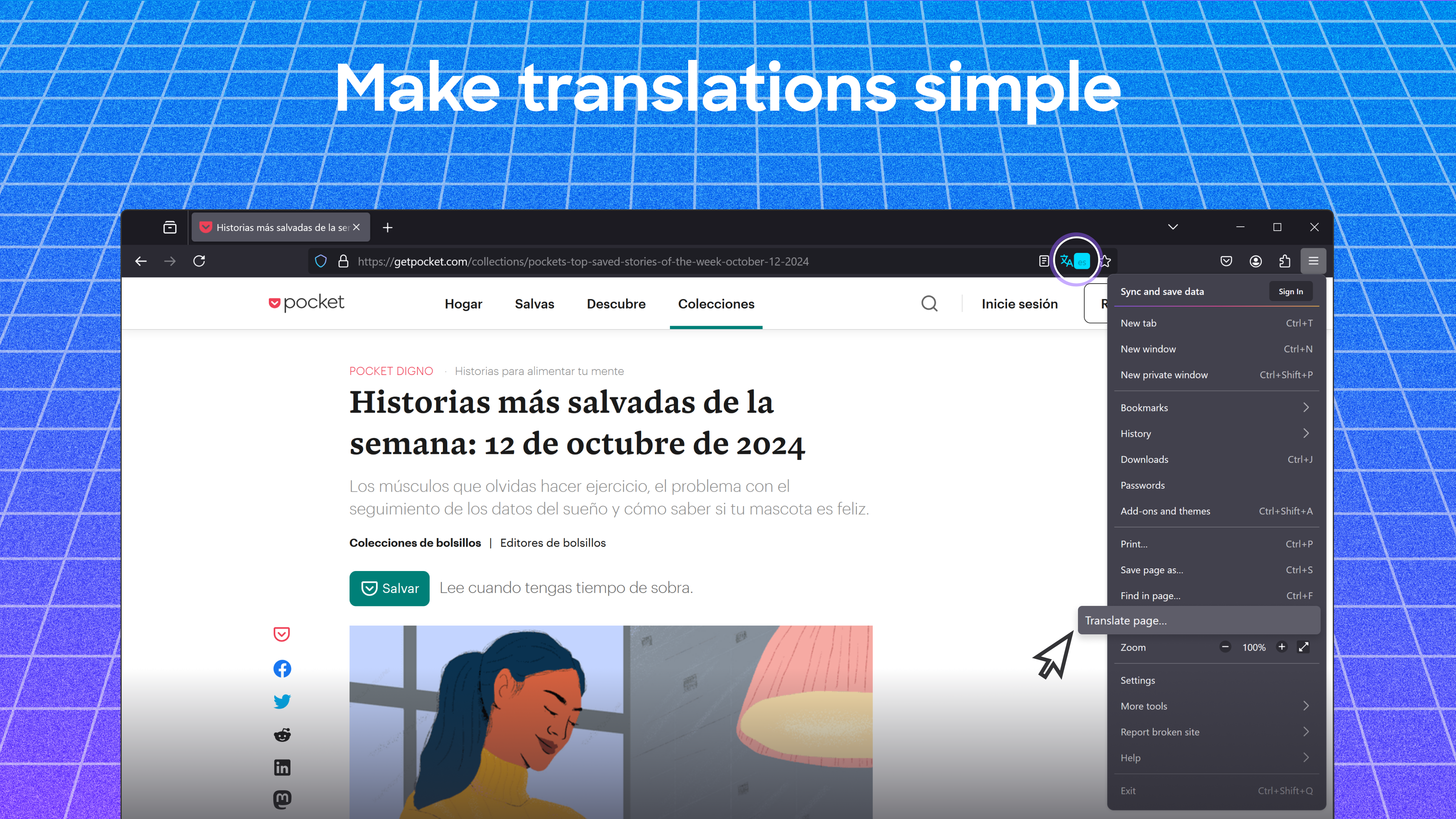
- Offline Real-Time Translation: Translate foreign webpages locally on your machine without transmitting your reading history to external cloud servers.
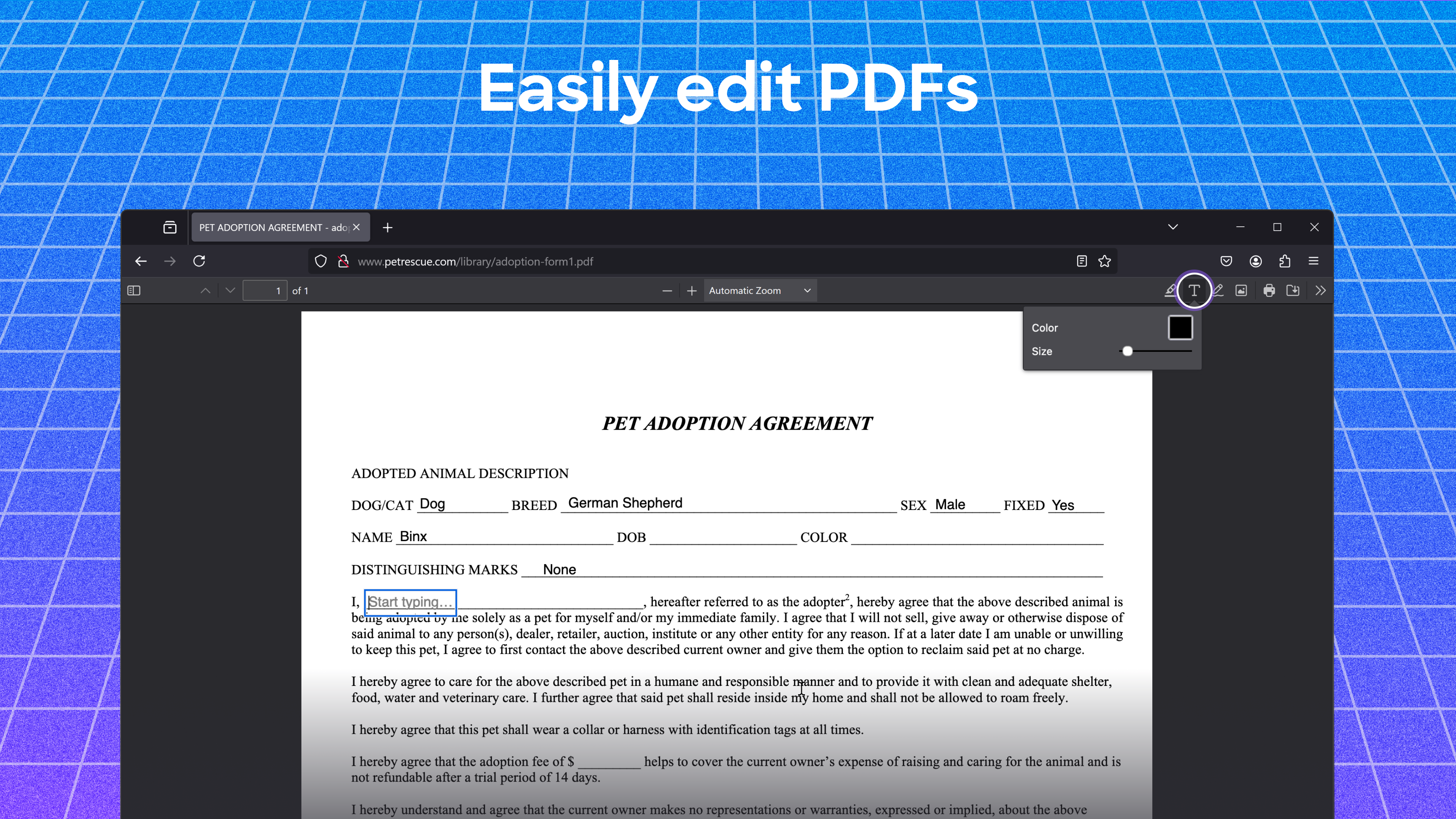
- Native PDF Editing: Open, annotate, highlight, and sign PDF documents directly within your active tabs.
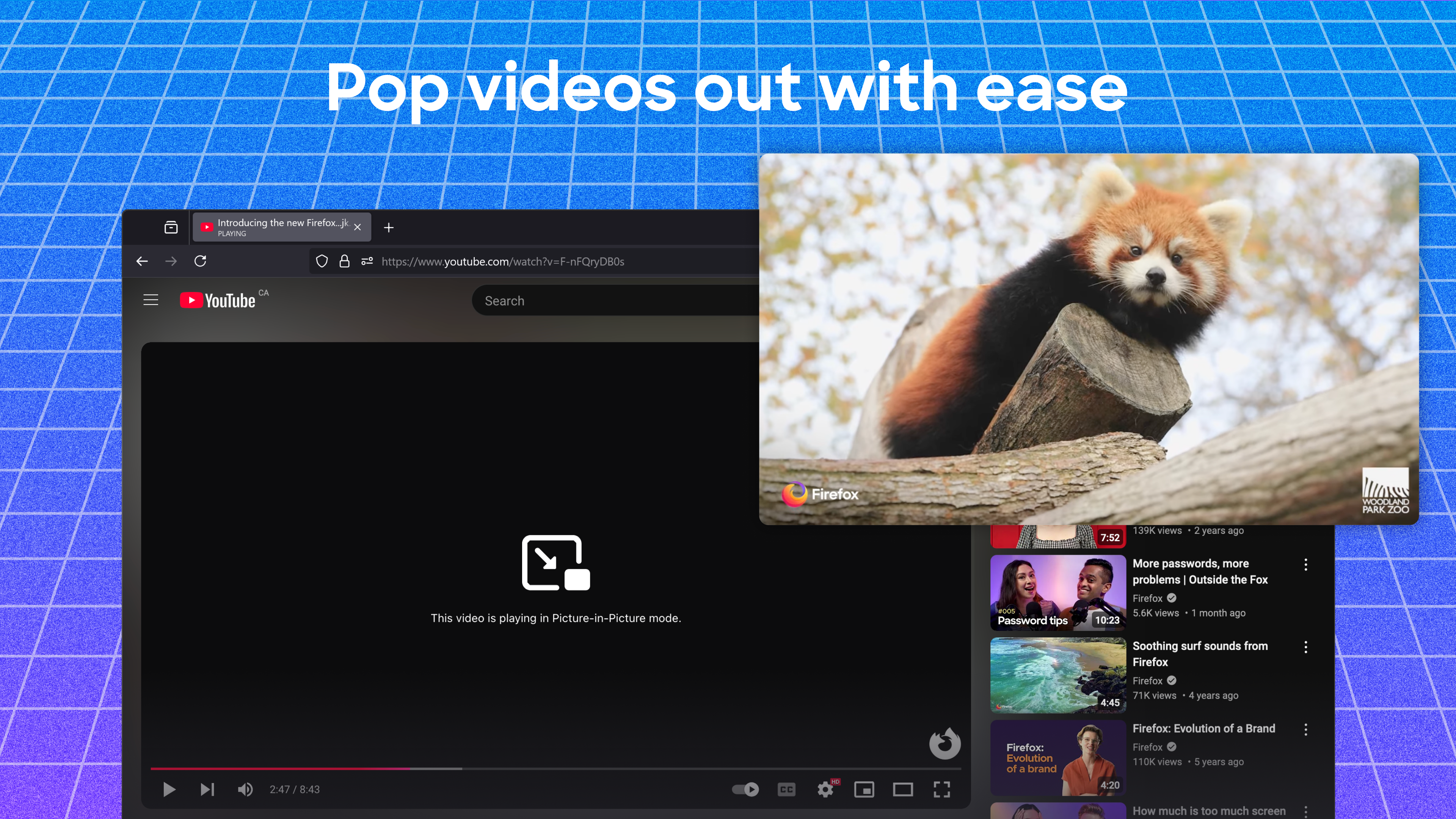
- Picture-in-Picture Mode: Pop videos into floating, resizable windows that stay on top of your screen while you work in other applications.
- Distraction-Free Reader View: Strip away intrusive advertisements, decorative backgrounds, and visual clutter with a single click.
Cross-Device Continuity and Customization
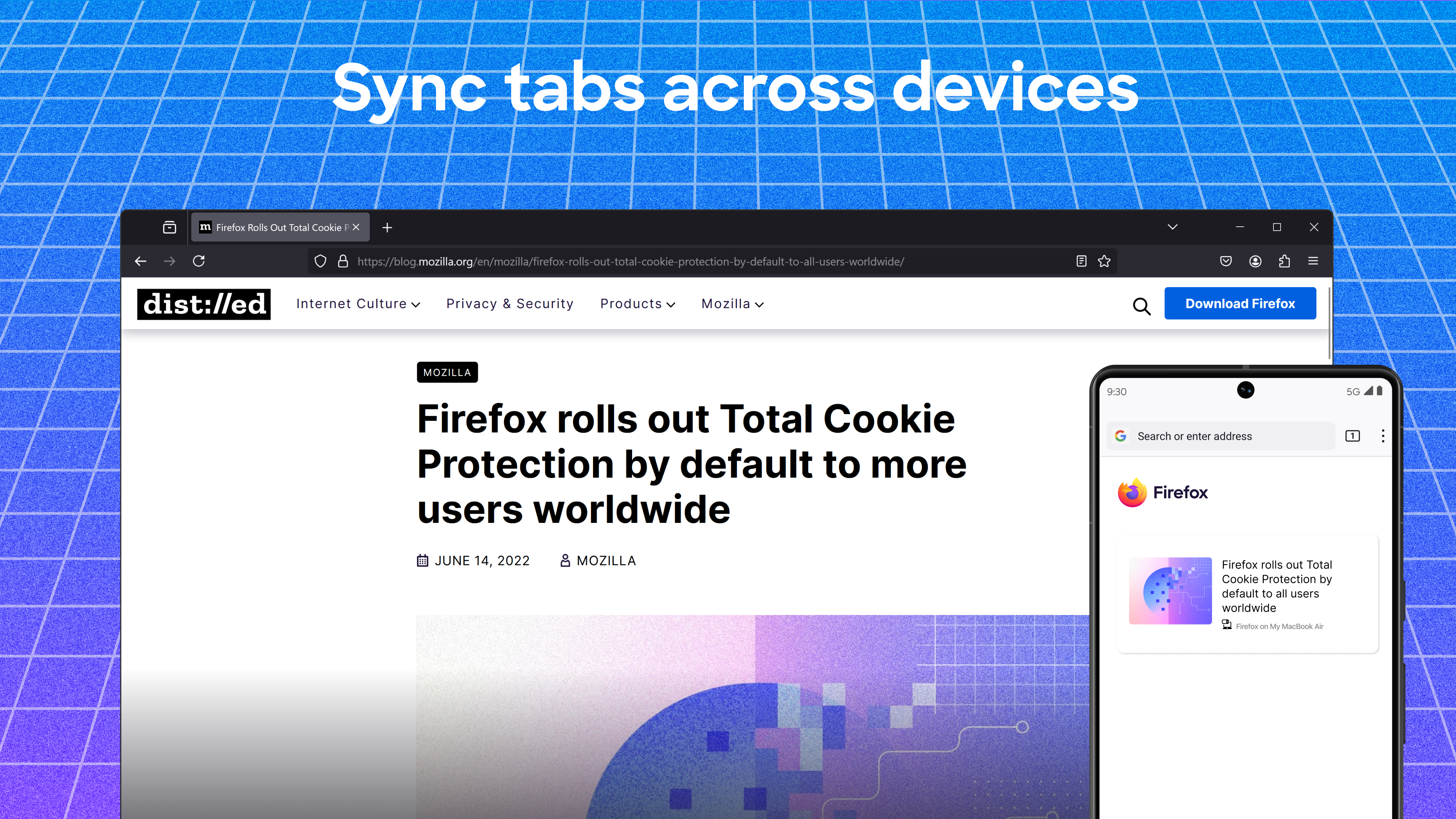
For those who operate across multiple screens, the Mozilla Firefox web browser bridges the gap beautifully. By establishing a secure sync, your active tabs, bookmarks, and saved login credentials transfer instantly between your Windows desktop and mobile devices. Furthermore, the platform supports a massive library of add-ons and themes, allowing you to tailor everything from ad-blocking capabilities to the physical layout of your workspace.
Is This the Right Browser for You?
If you are tired of aggressive data harvesting and want a fast, highly adaptable tool backed by a non-profit mission, this application is an exceptional choice. It challenges mainstream alternatives by proving that high-speed performance does not have to come at the cost of personal privacy.
To experience this secure environment firsthand, head over to the official Windows App Store to get started with the latest version of the browser.