

Microsoft Outlook
Read our comprehensive review of Microsoft Outlook, the ultimate mobile email client and calendar integration tool designed to maximize your productivity.
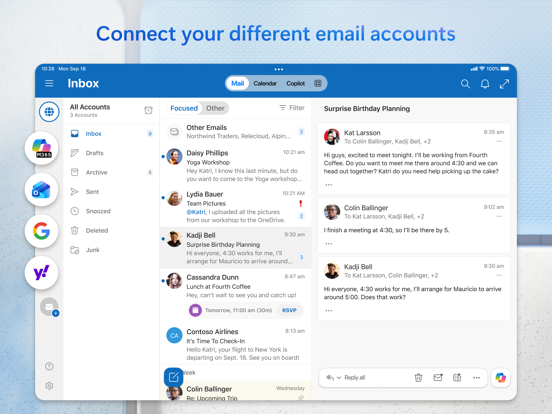
Streamlining Your Busy Day with One Unified Inbox
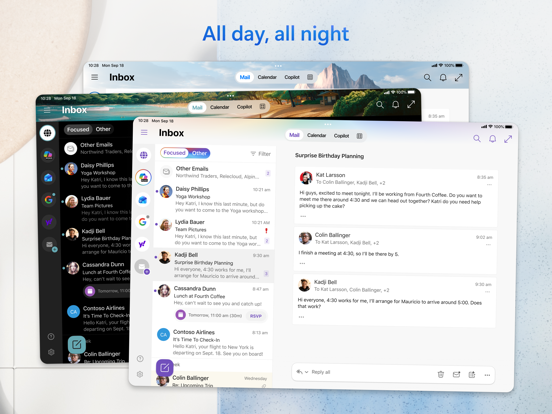
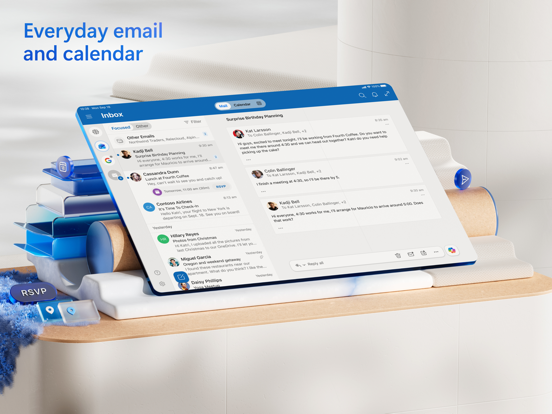
Picture this: you are rushing between meetings, trying to coordinate a project launch, and your inbox is flooded with notifications from three different accounts. Managing this chaos usually requires jumping between multiple apps, wasting precious time. This is where the Microsoft Outlook email and calendar application steps in to restore order. Developed by Microsoft Corporation, this powerhouse tool consolidates your communication channels into a single, highly organized workspace on your iOS device.
The Standout Features of Microsoft Outlook Email and Calendar
As a leading utility in the e-mail category, this application is designed for modern professionals who demand speed and efficiency. Here is how it refines your workflow:
- The Smart Focused Inbox: The app intelligently separates your critical, actionable messages from low-priority newsletters and automated alerts, allowing you to focus on what truly matters.
- Fluid Gesture Controls: Customizable swipe actions let you archive, delete, or schedule emails to be dealt with later in a fraction of a second.
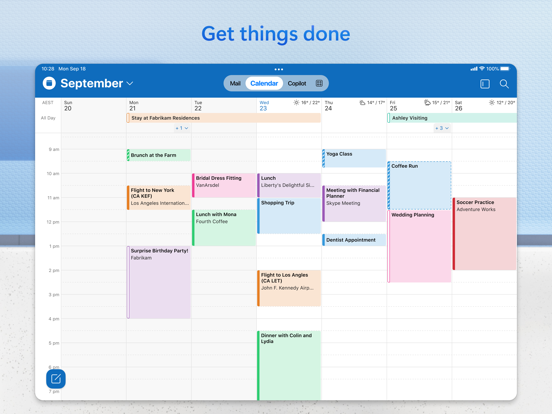
- Seamless Calendar Integration: Sharing your availability or finding a mutually convenient meeting time requires just a few taps, eliminating back-and-forth scheduling emails.
- Direct Cloud & File Management: View and attach documents directly from OneDrive, Dropbox, and other cloud services without downloading them to your local device storage.
- Native Document Editing: Open Word, Excel, or PowerPoint attachments, edit them directly in their respective native apps, and seamlessly re-attach them to your reply.
Smart Productivity with Copilot Integration
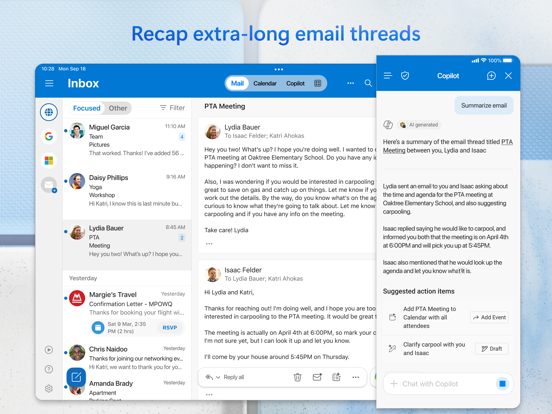
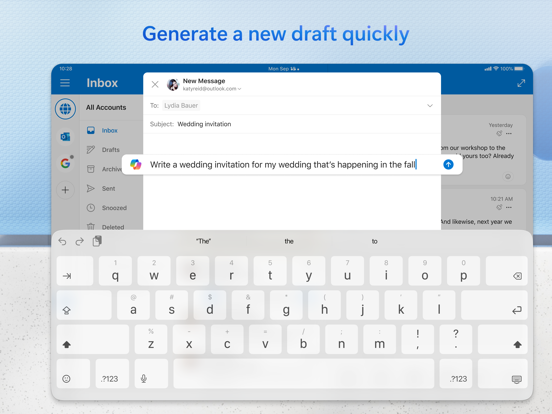
For users looking to supercharge their daily communications, the app features cutting-edge Copilot assistance. This AI companion helps you summarize long email threads instantly, jump-start draft outlines from a few prompts, and utilize real-time coaching suggestions to refine the tone, clarity, and overall impact of your outgoing messages.
Who is This App For?
Whether you are a corporate executive juggling enterprise-level Exchange accounts, a freelancer connecting Gmail and Yahoo accounts, or a student managing academic schedules via iCloud, the Microsoft Outlook email and calendar platform adapts to your needs. It bridges the gap between simple messaging and robust task management, making it an indispensable tool for anyone aiming to stay organized on the go.
Discover More on the App Store
If you are ready to transform your mobile inbox from a source of stress into a streamlined productivity hub, we highly recommend exploring this application further. Head over to the official iOS App Store to learn more about its features and see how it can optimize your daily routine.