
GoPro Quik
Discover how the GoPro Quik video editor transforms raw footage into cinematic masterpieces with automated edits and premium tools in our detailed review.
Imagine capturing hours of breathtaking action on your latest outdoor adventure, only to let those files sit forgotten on a memory card because the thought of manual editing feels overwhelming. The GoPro Quik video editor solves this exact problem by transforming raw, unedited footage into polished, shareable stories in just a few taps.
Automated Editing with the GoPro Quik Video Editor
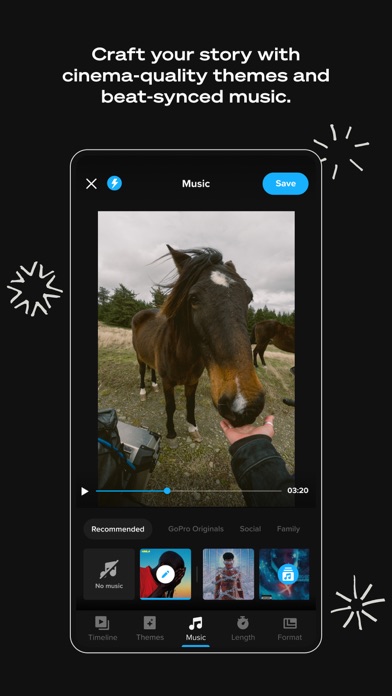
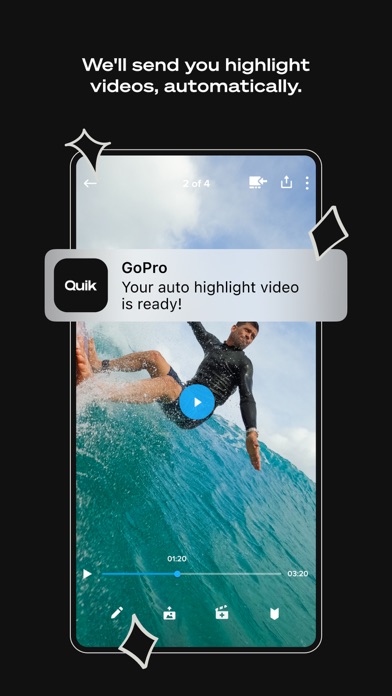
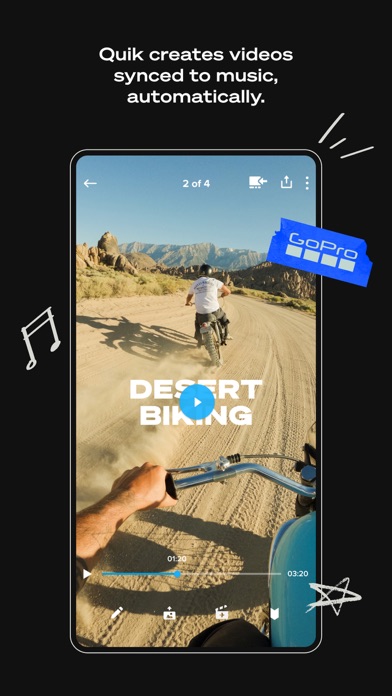
At the core of this application is its ability to streamline the post-production workflow. For creators who want high-quality results without spending hours timeline-scrubbing, the GoPro Quik video editor offers an intelligent Automatic Edits engine. The system automatically scans your footage to find the best moments, synchronizes those highlights to the beat of your chosen music track, and injects professional transitions to deliver a ready-to-share video asset.
Advanced Creative Control and Premium Tools
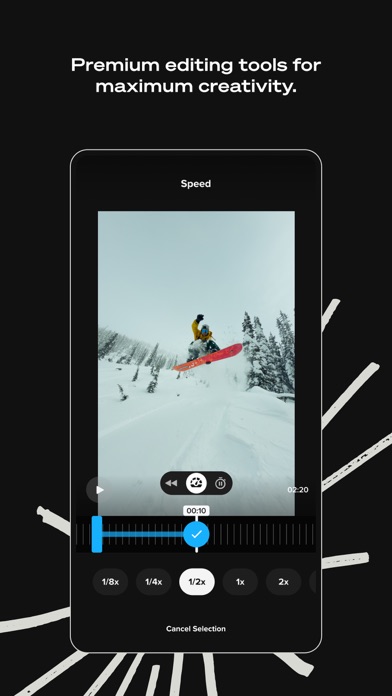
While automation is a major draw, this software also provides a robust suite of manual adjustments for those who want to fine-tune their creative vision:
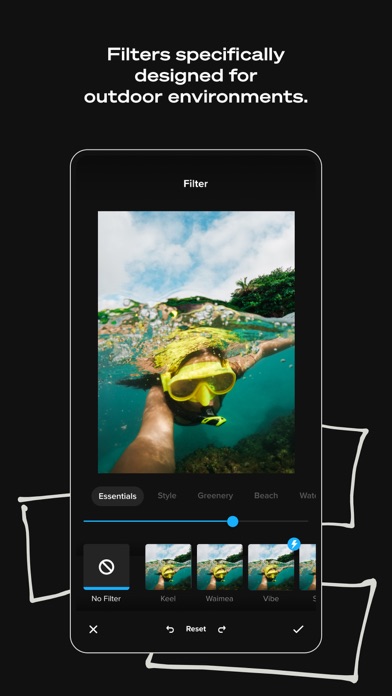
- Beat Sync & Themes: Align transitions and visual effects perfectly with audio cues, and apply cinematic filters optimized for challenging environments like water and snow.
- Reframe 360 Footage: Seamlessly transform complex 360-degree video into traditional perspective shots with smooth keyframe transitions.
- Frame Grab & Adjustments: Extract high-resolution still photos directly from your video timelines, adjust aspect ratios, and level off-kilter horizons.
Seamless Cloud Integration and Camera Syncing
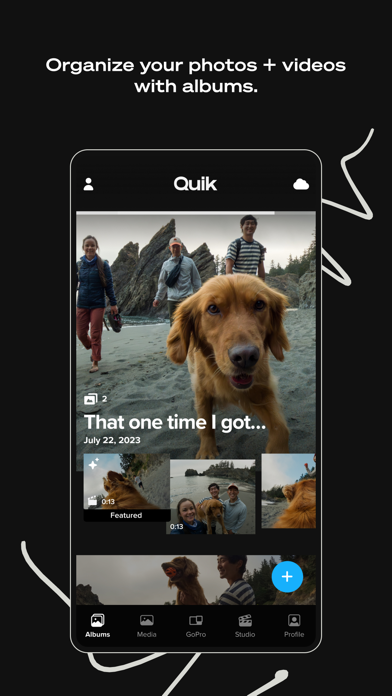
For owners of physical GoPro hardware, the utility of the GoPro Quik video editor increases significantly. The app automatically detects connected cameras to facilitate speedy wired USB transfers. Once imported, your media files can automatically back up to the cloud at 100% quality with a Premium subscription, allowing you to access and edit your ongoing projects across your compatible devices without losing progress.
Is It Right For You?
Whether you are a casual weekend hiker or a dedicated action sports enthusiast, this application bridges the gap between raw capture and cinematic presentation. It removes the technical friction of video production, allowing you to focus on the adventure itself.
To experience these creative tools firsthand, head over to the official Mac App Store to explore the application and select the subscription tier that best fits your workflow.